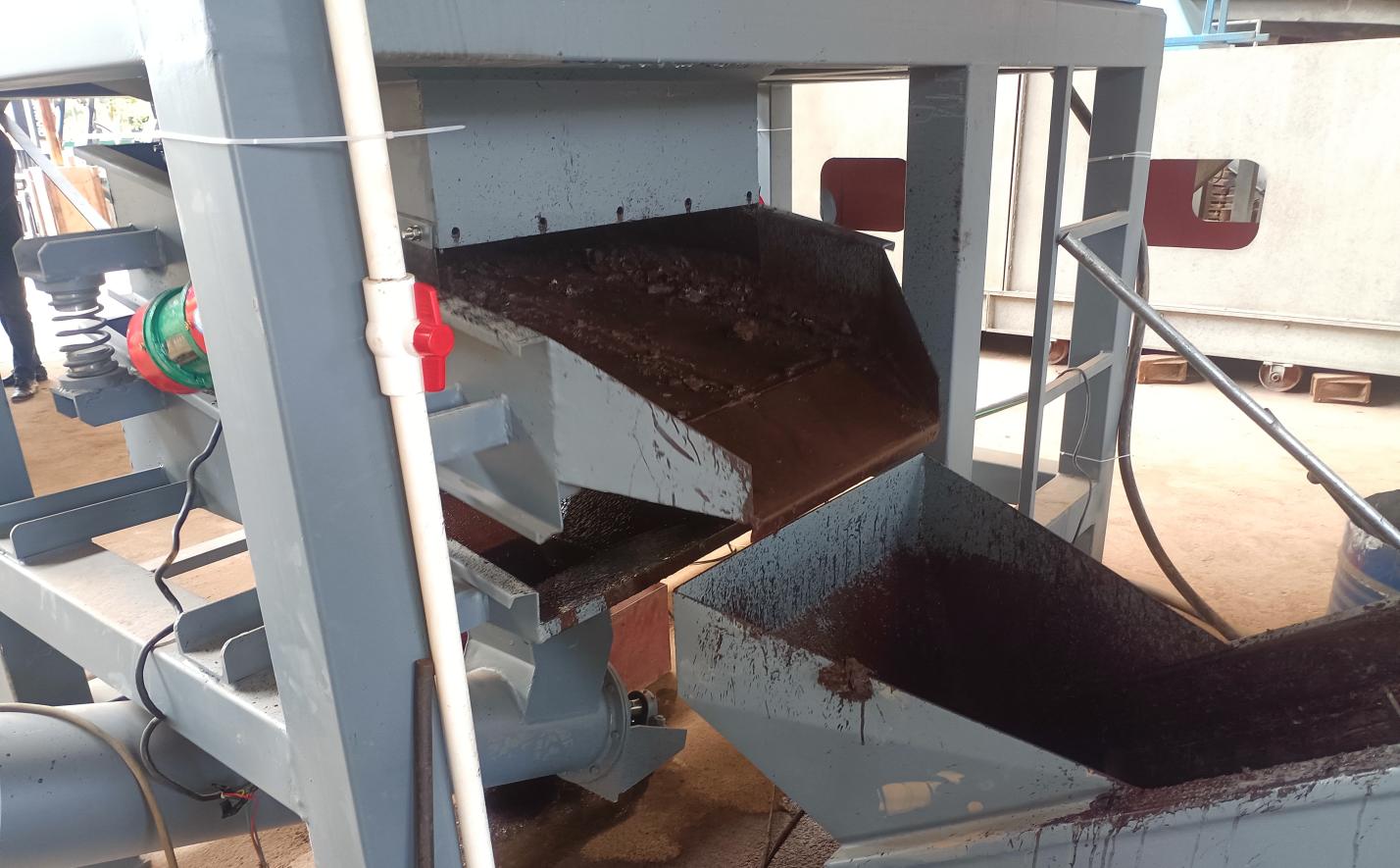
Hey there! If you're working in an electronic waste recycling facility, you know how crucial a well-managed central control system is. This thing isn't just some fancy tech toy - it's the brain of your entire operation. Today, I'll walk you through everything you need to know about operating this interface smoothly. No jargon, no complicated tech-speak, just practical guidance to help you master this powerful tool.
Picture your typical day on the floor: conveyor belts moving crushed circuit boards, sorting machines buzzing, and smelting furnaces roaring. Without a central control system, coordinating this chaos would be like trying to conduct an orchestra without sheet music. The interface helps you:
- Monitor all processes in real-time from a single dashboard
- Prevent dangerous overloads in crushers and separators
- Track efficiency of each recycling stage
- Reduce energy consumption by optimizing machine cycles
- Minimize human error in hazardous areas
Think of it as your mission control center for keeping everything running safely and profitably.
Step 1: Use your unique operator ID and password (you'll get this from your supervisor). The login screen looks like this:
Step 2: After logging in, you'll see the primary dashboard. This isn't some complicated mess - it's actually designed to show exactly what you need at a glance:
- Left panel: Plant sections (crushing, separation, sorting etc.)
- Center: Live efficiency metrics
- Right: Alerts and notification history
Those little colored dots next to each machine? Here's what they mean:
| Indicator | Meaning | Action Required |
|---|---|---|
| Solid Green | Operating normally | No action |
| Flashing Green | Standby mode | Check production schedule |
| Solid Yellow | Performance below optimum | Check maintenance schedule |
| Flashing Yellow | Warning condition | Diagnose within 15 mins |
| Solid Red | Critical issue | Immediate attention |
These indicators are your first clue when something needs attention - get familiar with them!
Alarms will pop up occasionally - that's normal in busy e-waste processing. Here's how to handle them like a pro:
- Acknowledge First: Always press the acknowledge button immediately
- Assess Severity: Check the color coding (yellow vs red)
- Refer to Code: The alarm code tells you exactly which machine needs attention
- Follow Protocol: Your plant's procedure manual will guide next steps
Adjusting conveyor speeds and sorting paths might seem tricky at first, but it's simpler than it looks:
Scenario: You notice the circuit board separator is backing up
- On dashboard, locate the separator section
- Tap "Flow Control" icon
- Adjust slider to reduce feed rate by 10-15%
- Confirm changes with your supervisor
- Monitor recovery for next 10 minutes
Remember - small adjustments work better than big changes!
This is where you really see your plant's efficiency:
- Daily Report: Automatically generated at shift end
- Custom Reports: Create your own using filters
- Spotting Trends: Look at equipment performance over last 7 days
- Resource Utilization: Check energy consumption peaks
Pro tip: If you notice a specific machine consistently underperforming around 3PM daily, it might be maintenance schedule issue!
When things go wrong in lithium battery recycling plants, quick thinking matters:
- Trigger Emergency Mode: Big red button at top-right
- Initiate Sequence: System will automatically shut down hazardous processes
- Evacuation Management: Follow on-screen emergency lighting guide
- Post-Incident Analysis: Always review the system log with your team
Tailor the interface to your workflow:
- Create Custom Views: Group frequently monitored metrics
- Set Personal Alerts: Get notifications for your specific tasks
- Adjust Refresh Rate: Increase during critical operations
- Bookmark Common Actions: Save troubleshooting sequences
Like having your favorite tools arranged just right on your workbench!
Problem: "Data not updating"
- Check network status light (should be green)
- Refresh the browser (sounds obvious but works!)
- Contact IT if offline for >5 minutes
Problem: "Unexpected shutdown alarm"
- Verify actual equipment status physically
- Check for scheduled maintenance
- Inspect sensor connections
Problem: "Touchscreen unresponsive"
- Clean screen with approved wipes
- Restart console using physical button
- Test calibration mode
Always document issues in the log - helps maintenance teams spot patterns!
Develop habits for success:
- Shift Handover Protocol: Verify all alarm logs and pending tasks
- Daily Walkaround: Complement digital monitoring with physical checks
- Collaboration Notes: Use communication features to leave notes for next shift
- System Updates: Never postpone authorized software upgrades
- Data Backup: Confirm nightly backups are successful
The better you know your system, the more efficient your whole plant operates!
E-waste recycling technology moves fast! Coming soon:
- AI-assisted sorting optimization
- Augmented reality maintenance guides
- Predictive failure alerts
- Blockchain material tracking
- Remote expert collaboration features
Stay curious about new features - they make your job easier!
Mastering this central control system truly transforms how you manage recycling operations. It's not about replacing human expertise, but empowering you with information and control. When you know how to leverage all these tools together, you'll not only reduce stress but actually increase facility productivity significantly - particularly valuable in specialized recycling facilities handling dangerous components like lithium ion batteries.
Remember, every great operator was once a beginner. Keep learning, keep asking questions, and you'll soon navigate this system like second nature. Here's to making your e-waste recycling plant safer and more efficient every single day!